
 Fork on Github
Static export
storia:export generates a static website of your catalog: every variant of every component and page is rendered once and saved as HTML, together with the assets it needs.
The result can be deployed on any static host (GitLab Pages, S3, ...) or opened straight from the folder, without PHP and without a web server.
bin/console storia:export [output-dir]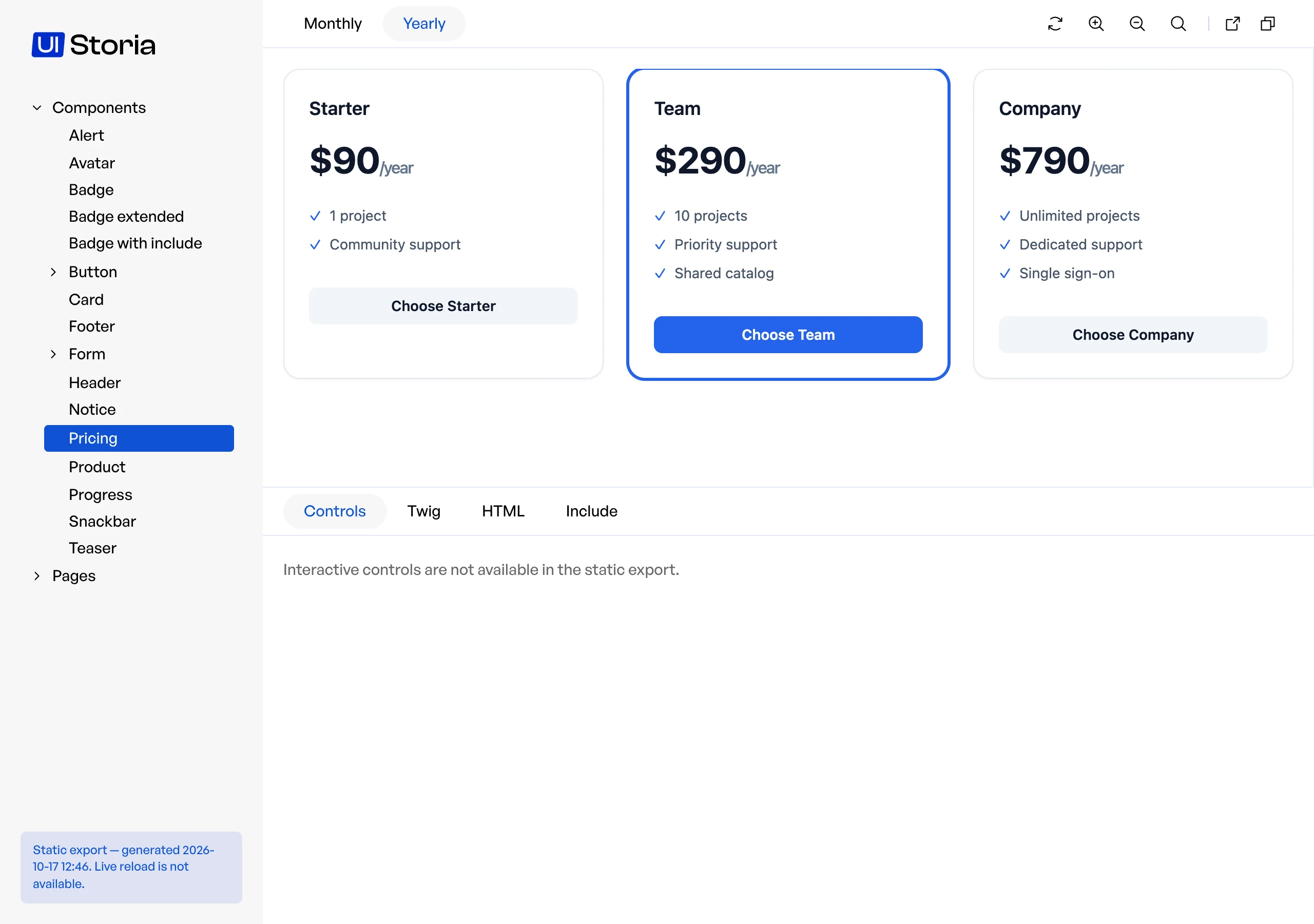
The export stops at the first view, variant or asset that cannot be exported and tells which one:
Variant "components/badge:default" failed: Unable to find template "ui/badge.html.twig"Output directory
The default directory is var/storia/export. It is emptied at each export, but only if it was created by a previous export (it contains a .storia-export file). Any other non-empty directory is refused.
index.html
components/badge/default.html           # page with menu, tabs and code
iframe/components/badge/default.html    # the rendered variant
bundles/iq2istoria/                     # UI Storia styles and scripts
css/, img/, ...                         # your assets
Assets
The export copies the assets your pages reference (stylesheets, scripts, images, fonts, import maps), and the assets referenced by those stylesheets.
A referenced file is taken from public/ when it exists there; otherwise it is requested from your application, so assets served dynamically (AssetMapper in dev for instance) are exported too.
Root-relative URLs (/assets/app.css) are rewritten as relative ones, so the export works from a sub-path or from file://.
Assets that are only referenced by JavaScript can be listed in the configuration. Patterns are relative to the public directory and support * and **:
# config/packages/iq2i_storia.yaml

iq2i_storia:
    export:
        output_dir: '%kernel.project_dir%/var/storia/export'
        public_dir: '%kernel.project_dir%/public'
        assets:
            - 'images/**'
Deployment
The export only uses relative links, so it can be served from a sub-path such as https://user.github.io/my-repo/.
The command boots your application: run it in the environment where the bundle is registered (usually dev), with the development dependencies installed. If your assets are built by a tool such as Webpack Encore or Vite, build them before the export.
GitHub Pages
Set Settings > Pages > Source to GitHub Actions, then add this workflow:
# .github/workflows/storia.yaml

name: Storia

on:
    push:
        branches: [main]

permissions:
    contents: read
    pages: write
    id-token: write

concurrency:
    group: pages
    cancel-in-progress: true

jobs:
    deploy:
        runs-on: ubuntu-latest
        environment:
            name: github-pages
            url: ${{ steps.deployment.outputs.page_url }}
        steps:
            - uses: actions/checkout@v4

            - uses: shivammathur/setup-php@v2
              with:
                  php-version: '8.3'

            - run: composer install --no-interaction --prefer-dist

            - run: php bin/console storia:export var/storia/export
              env:
                  APP_ENV: dev

            - uses: actions/upload-pages-artifact@v3
              with:
                  path: var/storia/export

            - id: deployment
              uses: actions/deploy-pages@v4
GitLab Pages
# .gitlab-ci.yml

pages:
    stage: deploy
    image: php:8.3-cli
    variables:
        APP_ENV: dev
    before_script:
        - apt-get update && apt-get install -y git unzip
        - curl -sS https://getcomposer.org/installer | php -- --install-dir=/usr/local/bin --filename=composer
    script:
        - composer install --no-interaction --prefer-dist
        - php bin/console storia:export var/storia/export
    pages:
        publish: var/storia/export
    rules:
        - if: $CI_COMMIT_BRANCH == $CI_DEFAULT_BRANCH
The export is not written to public/, which is the default publish directory of GitLab Pages but also your application's public directory.
Limitations
- URLs built in JavaScript, and absolute URLs to a development server (
http://localhost:5173), are not rewritten. - Assets served from an absolute base URL (a CDN,
asset()configured withbase_urls) are neither rewritten nor copied: the exported pages keep pointing to that host. - Browsers block ES modules on
file://pages: a project that loads its own modules must serve the folder over HTTP, or be opened with Firefox. - The static export has no live reload.
- The static export has no controls.