
 Fork on Github
AI agents
The YAML files of the storia folder are a catalog that a program can read: every component, its variants and its arguments. UI Storia ships a skill for Claude Code, and any agent that reads Agent Skills, that uses it, so an agent can look at your design system before it writes a template.
Two commands for tools
The skill relies on two commands that are also useful in your own scripts.
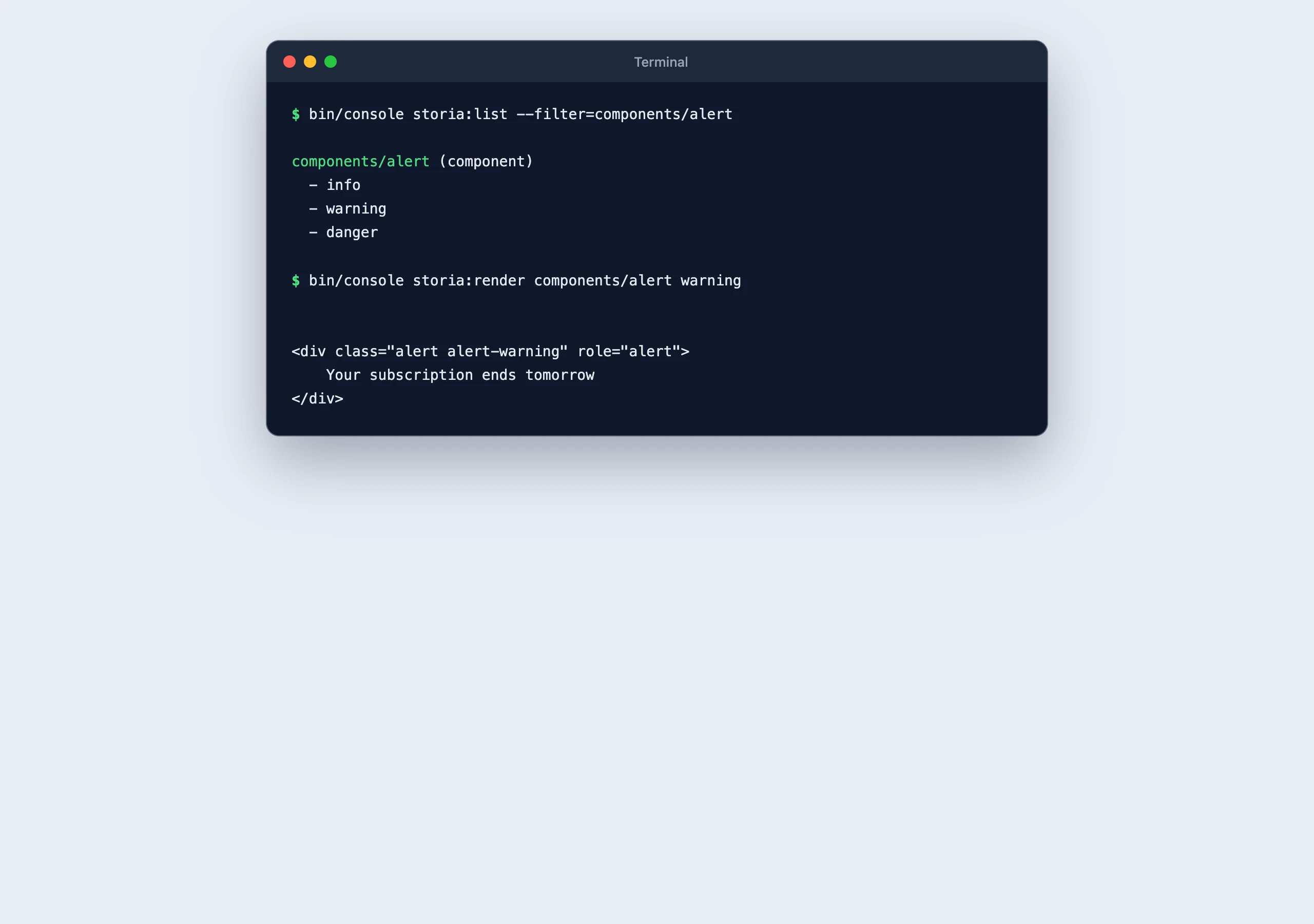
bin/console storia:list --format=jsonLists every view with its type (template, component or form), its YAML file, its variants and the resolved arguments of each variant. Use --filter=components/button or --filter=components/button:large to narrow the list. Without --format=json, the output is a readable summary.
bin/console storia:render components/button plainPrints the HTML of a variant on the standard output. --format=twig prints the source of the template and --format=include prints the code that includes a component. On error (unknown view or variant, Twig or PHP exception), the message goes to the error output and the exit code is 1.
Mate tools
With Symfony Mate, the catalog is also available as tools, called with vendor/bin/mate tools:call <tool> --<param>=<value>:
| Tool | Parameters | Result |
|---|---|---|
storia-list |
filter |
The views with their type, YAML file, variants and resolved arguments |
storia-render |
view, variant, format (html, twig or include) |
What the variant renders |
storia-test |
filter, snapshots |
Whether every variant renders and matches its snapshot, and the output of the command |
The tools run the console of your application, bin/console at the root of the project. Change the path in mate/config.php when it is elsewhere:
// mate/config.php
$container->parameters()->set('ai_mate_storia.console', '%mate.root_dir%/app/bin/console');
storia-test writes the snapshot of a variant that has none, as storia:test does, and never updates an existing one. The results are wrapped under an untrusted_data key, as the data comes from your templates.
Install the skill
The skill is the skills/ui-storia folder of the bundle. It follows the Agent Skills format and is declared in composer.json for Symfony Mate, which discovers it without any copy.
With Symfony Mate
Install Mate in your project, then discover the extensions:
composer require --dev symfony/ai-mate
vendor/bin/mate init
vendor/bin/mate discover
Mate registers the tools of the bundle (see below) and installs its skill as mate-ui-storia in .agents/skills and .claude/skills. It runs the discovery again after each composer install and composer update, so the tools and the skill always match the installed version of the bundle. Commit the generated folders to share them with your team. Use vendor/bin/mate skills:disable ui-storia to turn it off and vendor/bin/mate skills:override ui-storia to adapt a copy to your project.
Without Symfony Mate
Copy the folder to your project, or link it, so your agent finds it in .claude/skills/ui-storia:
mkdir -p .claude/skills
cp -r vendor/iq2i/storia-bundle/skills/ui-storia .claude/skills/ui-storia
# or keep it in sync with the installed version of the bundle
ln -s ../../vendor/iq2i/storia-bundle/skills/ui-storia .claude/skills/ui-storiaThe content of the skill follows the version of the bundle: copy it again after an upgrade, or use the link.
What the skill does
- Checks how Storia is installed in the project: configuration, routes, assets of the preview.
- Lists the components and variants of the project, and shows what a variant renders.
- Knows the format of the YAML files and the
!data,!repeatand!loremtags, so it can create a component and its variants, with the conventions of your project. - Checks a rendering with
storia:render, or in a browser on the iframe URL of the variant. - Runs
storia:testafter a change and reads its output.
What it does not do
- It does not see the page: it reads HTML and code, not screenshots. It cannot tell you that a component looks wrong.
- It does not decide your design. It follows the components and variants that already exist, so a catalog with few variants gives it little to work with.
- It does not replace a review of the snapshots: an agent can write a variant and its snapshot, a person still decides that the result is right.